Honesty first, because this site tells the truth about tags: they are a minor signal in 2026, worth two well-spent minutes and no more. These five free generators are how you spend those two minutes well.
All five were tested on the same topics this July. Here is what each produces and who it suits.
| # | Generator | Tags come from | Best for |
|---|---|---|---|
| 1 | This site's Tag Generator | Real YouTube autocomplete | Fast grounded sets, free |
| 2 | YouTube Tag Generator (KE) | YouTube suggestions + metrics | Tags with data attached |
| 3 | RapidTags | Instant generation by topic | Speed above all |
| 4 | vidIQ | Its keyword engine + extension | Tags inside a full suite |
| 5 | TubeBuddy | Its SEO tooling in Studio | Tags in your upload flow |
1. The Tag Generator on this site
Our own Tag Generator pulls real YouTube autocomplete for your topic: the phrasings people actually type into YouTube's search box, streamed into a copyable tag list.
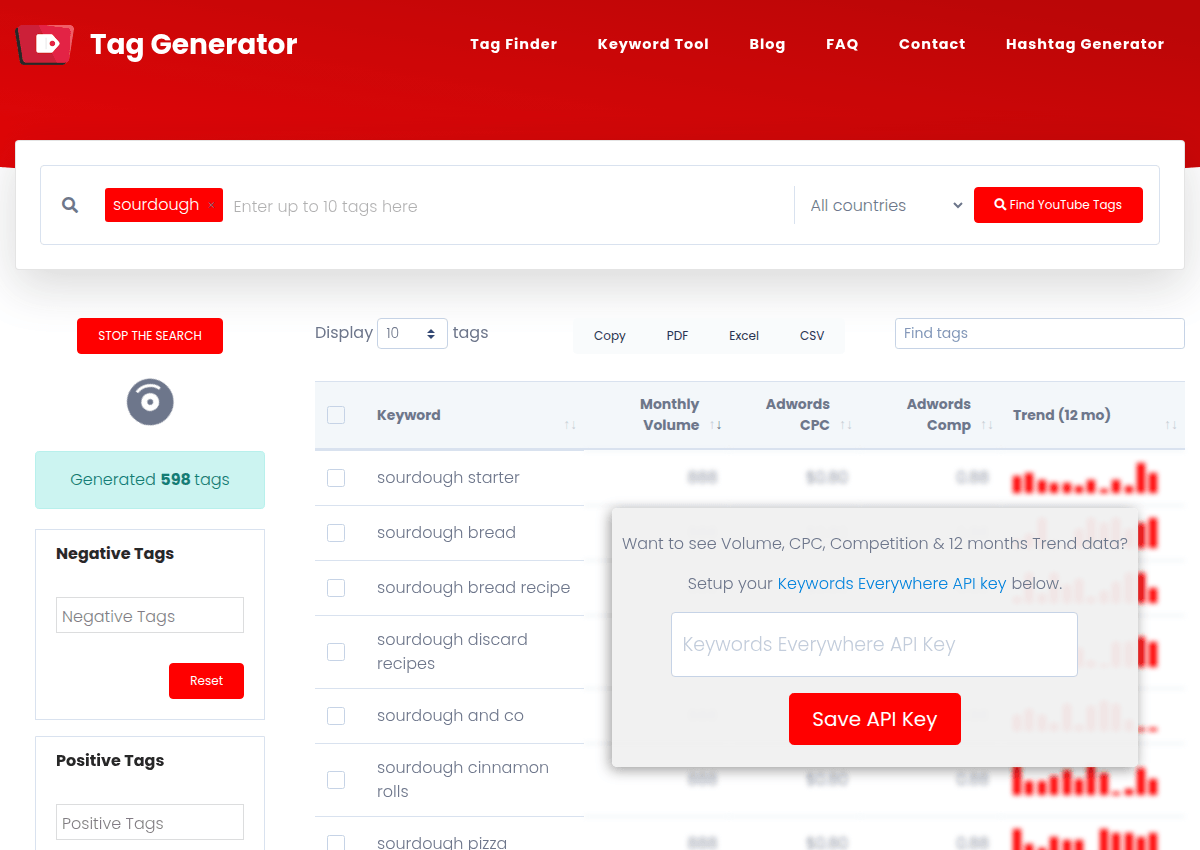
Because every suggestion is a genuine search, the output doubles as topic research: the variants tell you how people phrase your subject, which is worth more than the tags themselves.
2. YouTube Tag Generator by Keywords Everywhere
The YouTube Tag Generator from the Keywords Everywhere team works the same soil with metrics on top: tag suggestions from YouTube data, with search context per tag.
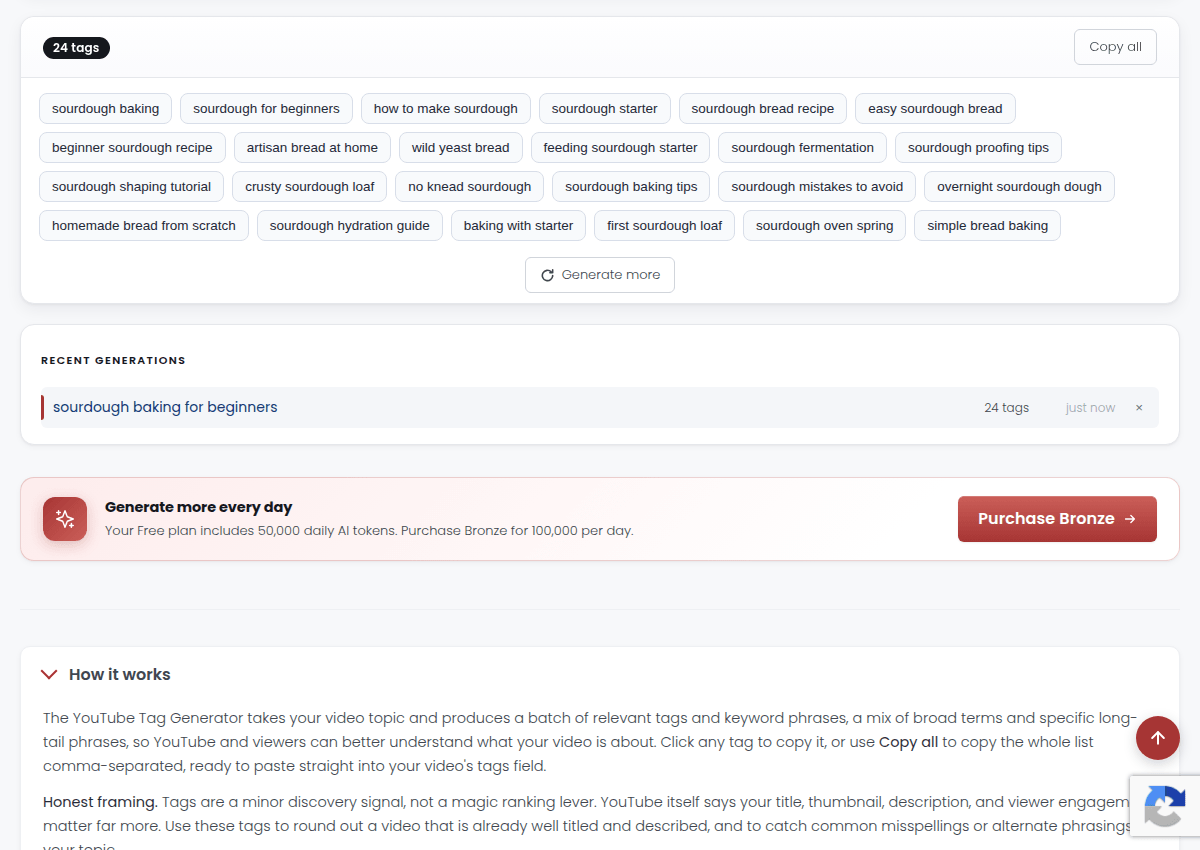
Use it when you want the shortlist ranked instead of eyeballed: the data column settles which five variants deserve the tag box, and it is free to run.
3. RapidTags
RapidTags is the speed play: type the topic, get a tag set instantly, copy, done.
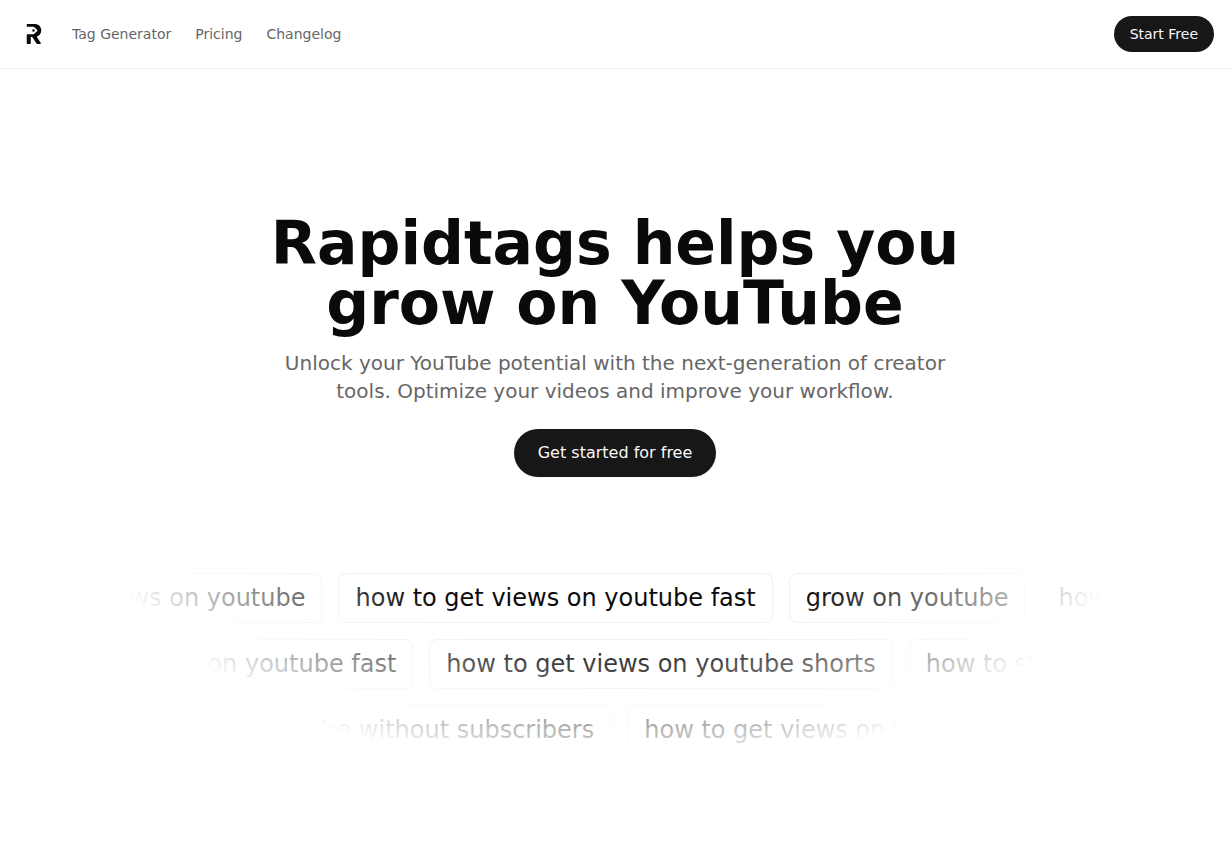
The trade for the speed is grounding: suggestions lean on generation rather than per-phrase search evidence, so skim the output and keep what a human would genuinely search.
4. vidIQ
vidIQ's free tier includes tag suggestions inside its keyword tooling, plus the extension's famous overlay showing the tags of any video you watch.

Buy-in beyond free is subscription-based (vidIQ prices regionally; its top Max tier listed at $39 a month billed yearly in the US listing we checked). For tags alone the free tier suffices; the paid tiers sell the AI coaching and research around them.
5. TubeBuddy
TubeBuddy lives inside YouTube Studio as an extension, adding tag suggestions and SEO checks directly into the upload flow, which is exactly where tag work happens anyway.

Its current pricing is unusual and honest to like: long-term licenses instead of subscriptions, Pro at $49 and Legend at $199 for three years of access, per its July 2026 pricing page. The extension installs free; the deeper toolset unlocks with the licenses.
The two-minute tag workflow
Whichever generator you use, the same routine: generate for your exact topic, keep the phrase you would say out loud plus three to five real variants and your channel name, paste, move on.
Then spend the time you saved where discovery actually gets decided: the title and the thumbnail. A perfect tag box under a weak title is a signed painting in a locked basement.
How we picked these
All five were run on identical topics in July 2026, with pricing pulled from each vendor's public pages the same day. The YouTube Tag Generator comes from the Keywords Everywhere team, which we say openly; it earns its slot by attaching data where others attach guesses, and our own tool sits at number one because grounded autocomplete is the method we would use regardless of whose logo is on it.
The one-line takeaway: tags deserve two minutes: generate from real search data with this site's tool or the YouTube Tag Generator, keep a focused set, and reinvest the saved hour in the title and thumbnail that actually decide your reach.