The honest answer: barely. YouTube's own help page says tags play a "minimal role" in discovery, and the algorithm cares far more about your title, thumbnail and watch time.
So why write about them at all? Because tags still do a couple of small jobs, they cost 30 seconds with a generator, and the time you stop spending on them goes where it actually pays.
What YouTube itself says
This is not a leak or a theory. YouTube's official help page on tags states that tags can be useful for commonly misspelled names, and that otherwise they play a minimal role in helping viewers find videos.
YouTube's creator-facing channels have repeated the same message for years: tags are a minor factor, and creators should not prioritize them. The days of tag-stuffing your way into search ended long ago.
What actually drives discovery in 2026
Here is where the ranking weight really sits, and why two minutes on a thumbnail beats twenty on tags.
Note the fourth bar: YouTube transcribes what you say, so your spoken words are searchable metadata. Saying your topic out loud in the first 30 seconds does more than any tag.
The two jobs tags still do
Misspellings and variants. If your channel or subject gets typed wrong ("taggenerator", "tag generater"), tags catch those searches. This is the one use YouTube explicitly endorses.
Context at the margins. Tags give YouTube a small extra signal about your topic, which can help borderline related-video matching for new channels with thin history.
That is the whole list. Worth 30 seconds, not worth a research session.
The 30-second tag workflow
Since tags deserve almost none of your time, automate them. A generator turns your topic into a sane tag set instantly.
Two free ways to fill that pattern: the tag generator on this site turns a topic into a relevant tag set you can copy in one click, and the free YouTube Tag Generator from Keywords Everywhere does the same with a broad-niche-specific mix built in.
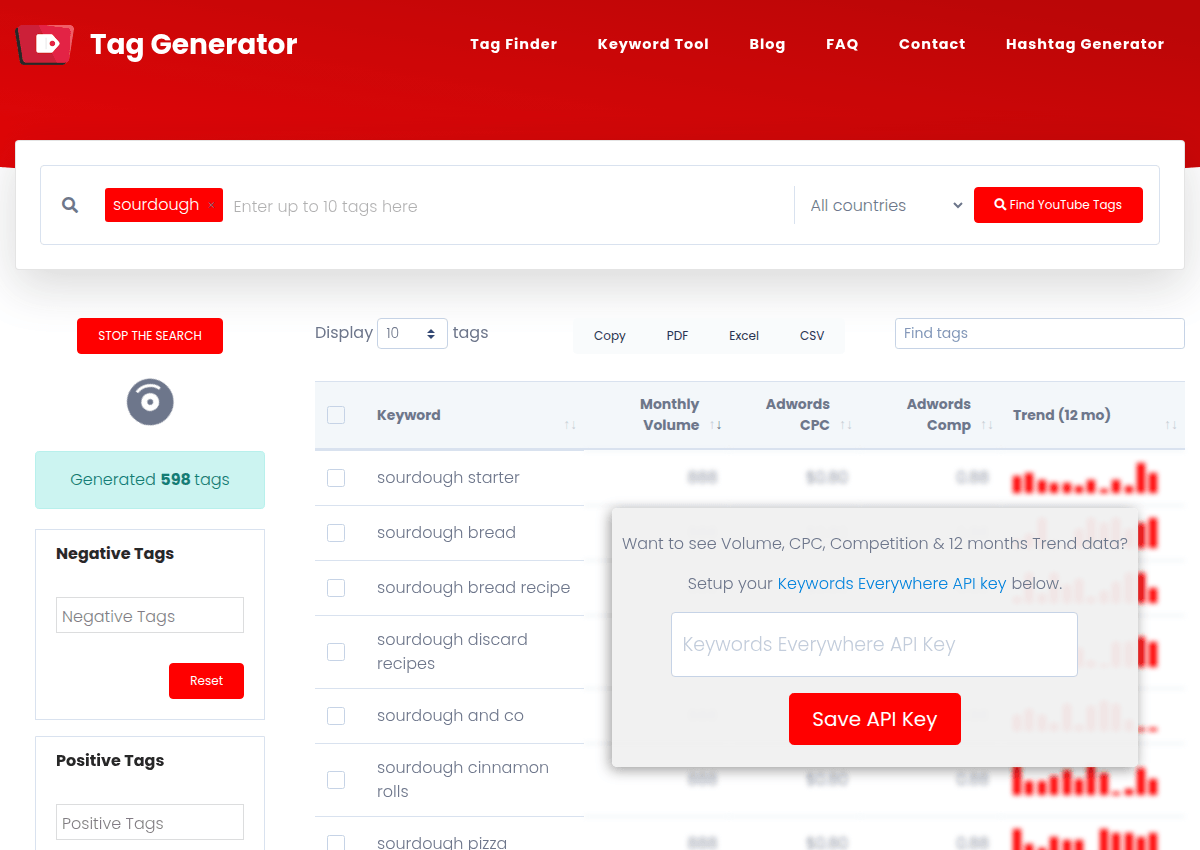
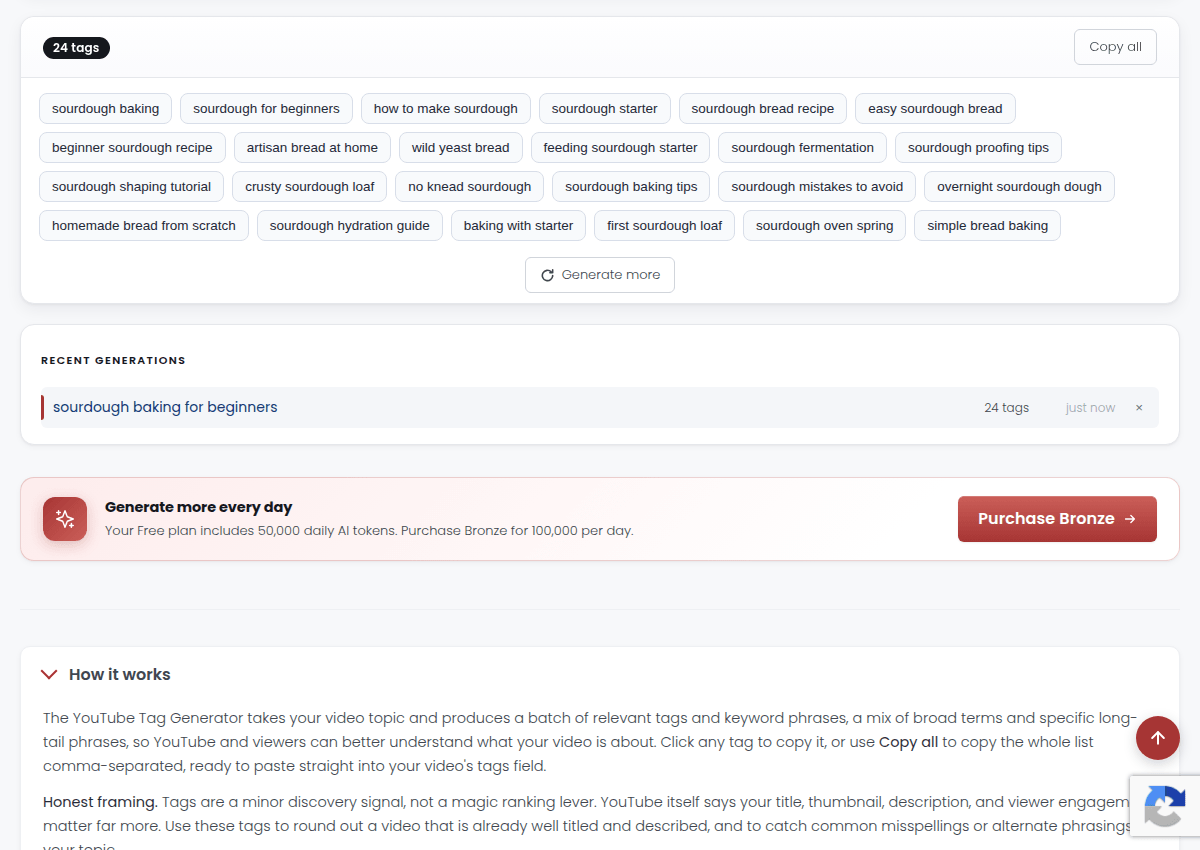
Paste, save, move on. That is the entire discipline now.
Where the saved time should go
The minutes you used to spend on tags have better homes, in order of payoff:
- Thumbnail and title as a pair. They decide your click-through rate, and CTR decides whether YouTube keeps showing you.
- The first 30 seconds. Retention is the other half of the algorithm, and it is won or lost at the open.
- Say your keywords out loud. The transcript is searchable, so name your topic in the video itself.
- The first 125 characters of the description. That is the part search results actually show.
Picking the right topic still matters most of all, and that is classic keyword work: our YouTube keyword tool shows what people actually search before you hit record.
The one-line takeaway: tags are a 30-second checkbox in 2026, not a strategy. Generate 5 to 8 sane ones, then spend the saved time on the thumbnail, the title and the first half minute of the video.