The short verdict: vidIQ is the research department, ideas, keywords, competitors and an AI coach, while TubeBuddy is the production floor, living inside YouTube Studio and sanding the friction off uploads, bulk edits and tests. Even their pricing models disagree about what a creator tool is.
Both were tested this July, with pricing verified from both vendors' pages the same day.
| vidIQ | TubeBuddy | |
|---|---|---|
| Lives | Its own app + browser overlay | Inside YouTube Studio |
| Center of gravity | Research, ideas, AI coaching | Workflow, bulk tools, tests |
| Free layer | Free plan, 150 AI credits/mo | Free extension install |
| Paid model | Subscription (regional pricing) | Three-year licenses |
| Verified prices | Max $39/mo billed yearly (US listing) | Pro $49, Legend $199, per 3 years |
| Signature feature | The overlay on every video you watch | Bulk processing across your catalog |
| License fine print | Plans by tier | Creator licenses, not for businesses |
What vidIQ actually is
vidIQ answers "what should I make and will it work": keyword and trend research, competitor views, idea generation and an AI coach that consumes those monthly credits.
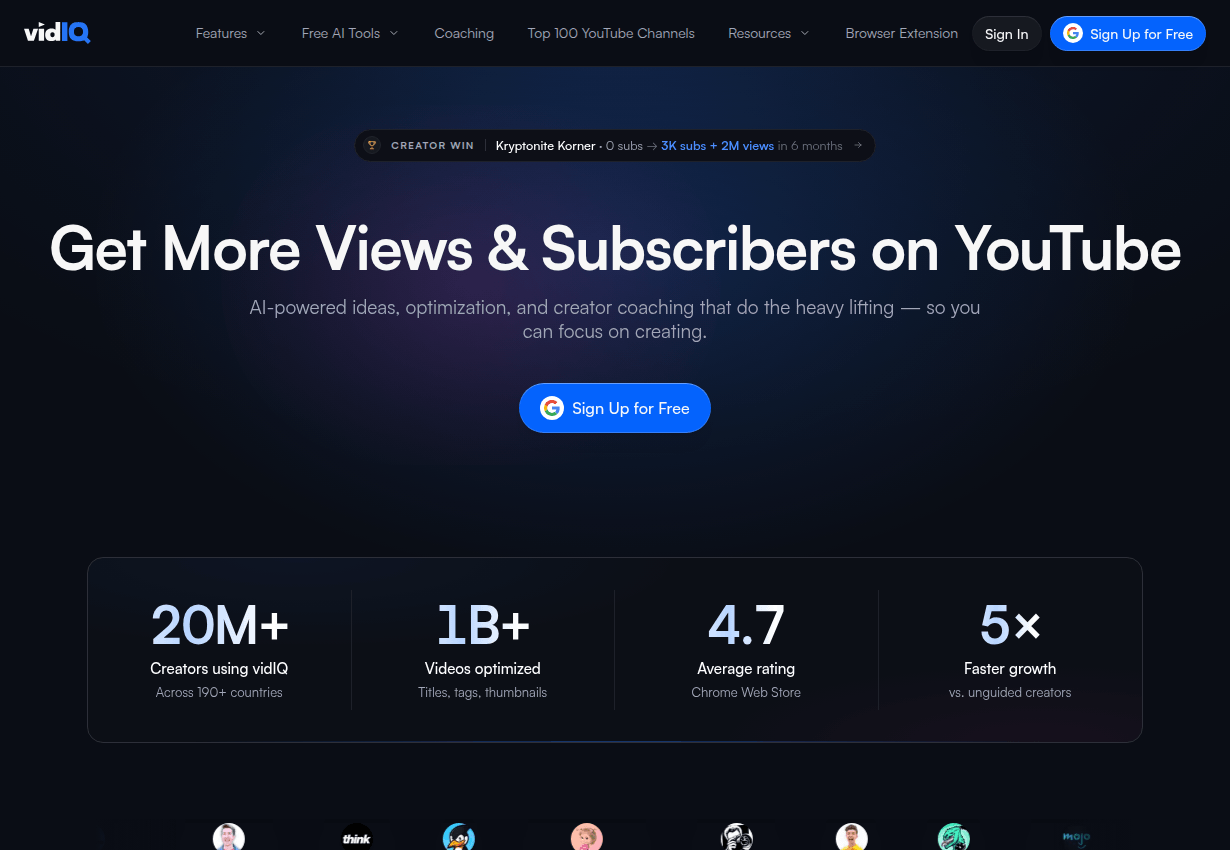
The overlay is the sticky part: every video you watch shows its stats and metadata, which turns ordinary YouTube browsing into competitor research. The free tier's 150 monthly AI credits cover casual use; the paid tiers, regionally priced with Max at $39 a month billed yearly in the US listing we checked, buy more credits and deeper research.
What TubeBuddy actually is
TubeBuddy answers "how do I run this channel without losing my evenings": it bolts into Studio and adds upload defaults, bulk editing across your whole catalog, thumbnail and title A/B testing, and metadata tooling in the flow where you already work.
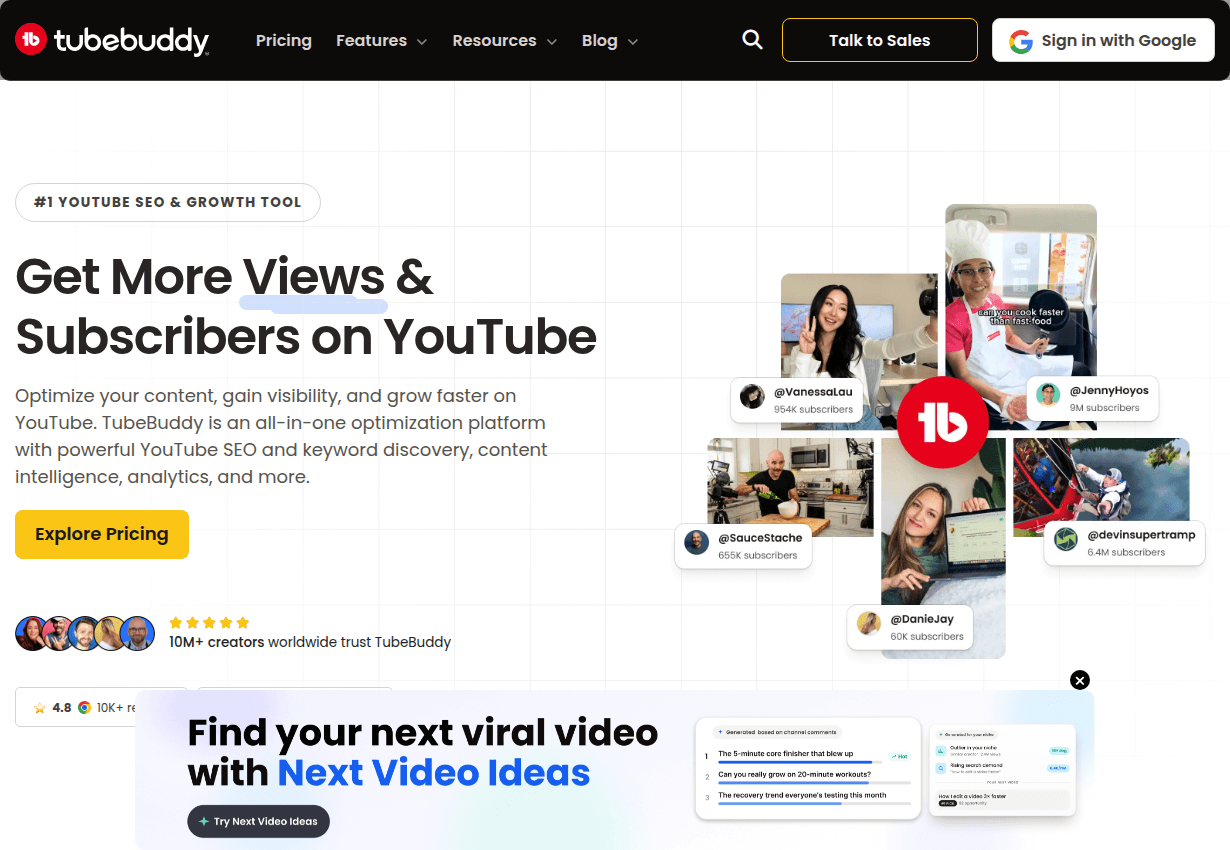
The 2026 pricing is genuinely unusual: long-term licenses instead of subscriptions, Pro at $49 and Legend at $199 for three years of access. Note the fine print: these are individual-creator licenses, with businesses and larger operations (multiple channels, 50k+ subscribers thresholds and similar) directed elsewhere.
For a solo creator the math is friendly: Legend's three years cost less than many suites charge per quarter.
Choose vidIQ if...
- Your bottleneck is upstream: topics, angles and whether an idea has an audience.
- The research overlay matches how you learn, by studying what already works.
- You want an AI coach shaping strategy, and a free tier to try the fit first.
Choose TubeBuddy if...
- Your bottleneck is downstream: uploads, metadata upkeep and catalog-wide edits.
- A/B testing thumbnails and titles is the experiment habit you want built in.
- One-time license pricing beats another subscription in your budget, and you qualify as an individual creator.
The tags footnote both deserve
Both suites include tag tooling, and both are worth using for it, with the calibration this site keeps repeating: tags are a minor signal, covered properly in two minutes with any of the free generators. Neither toolkit's value lives in its tag feature; it lives in research and workflow, where hours actually go.
How we compared them
Both tools were run on the same channel workflow in July 2026, with pricing pulled from both vendors' public pages the same day; vidIQ localizes pricing by region, so your listed numbers may differ. Neither company sponsors this site and there are no affiliate links here.
The one-line takeaway: vidIQ is the research department on subscription, TubeBuddy is the production floor on a three-year license. Pick by your bottleneck, ideas or workflow, run both free layers first, and let neither tool's tag feature distract from why you actually bought it.